WP Engine Security Architecture 2026: Global Edge Protection
Protecting commercial WordPress applications against cyber threats, automated brute-force attacks, SQL injection attempts, and zero-day vulnerabilities demands multi-layered enterprise security architecture. Standard web hosting security tools fail against modern distributed attack vectors.
This technical security audit evaluates WP Engine security infrastructure in 2026, analyzing Global Edge Security, Cloudflare Enterprise Web Application Firewall (WAF) filtering, automated core patching, container isolation, and disaster recovery backup protocols.
WP Engine Multi-Layer Enterprise Security Architecture
WP Engine enterprise security architecture combines Cloudflare Enterprise Web Application Firewall rules, Global Edge DDoS mitigation, LXD container isolation, automated WordPress core security patching, disk encryption, and 24/7 proactive security monitoring to neutralize cyber threats across infrastructure nodes on managed cloud infrastructure.
Security protections operate at edge network, server kernel, and application levels simultaneously. Global Edge Security filters incoming web traffic across Cloudflare enterprise nodes before requests reach origin hosting infrastructure.
DDoS mitigation capabilities absorb multi-gigabit volumetric traffic attacks automatically. Edge routing filters malicious botnet traffic floods instantly, preserving origin CPU capacity and maintaining site accessibility.
Web Application Firewall (WAF) rules block SQL injection attempts, cross-site scripting (XSS) vectors, and remote file inclusion exploits. Managed security rules update continuously to neutralize emerging zero-day vulnerabilities globally.
LXD container isolation prevents cross-tenant security breaches. Each site environment operates within isolated Linux container boundaries, ensuring that security incidents on neighboring accounts cannot compromise your application.
Disk encryption safeguards stored database files and upload media assets. Data at rest resides on encrypted NVMe storage volumes, complying with corporate data security standards.
Proactive security monitoring scans file systems continuously for malware signatures. Security engines isolate infected files automatically and notify technical support engineers for immediate remediation.
System vulnerability monitoring detects outdated software dependencies across hosting clusters. Security engineers patch underlying operating system kernels continuously without incurring site downtime.
| Security Layer | Protection Mechanism | Threat Neutralized | Execution Point |
|---|---|---|---|
| Edge Security | Cloudflare Enterprise WAF | DDoS, SQLi, XSS, Zero-Day | Global Edge Network |
| Access Control | Managed Login Protection | Brute Force Credential Attacks | NGINX Gateway |
| Isolation Layer | LXD Linux Containers | Cross-Tenant Noise & Breaches | Origin Server Host |
| Application Security | Automated Core Patching | WordPress Core Exploits | WordPress Runtime |
| Claim WP Engine Discount → | |||
Automated Security Patching & Disaster Recovery Protocol
Automated security patching on WP Engine updates WordPress core files silently whenever critical security vulnerabilities emerge. Integrated daily offsite backup snapshots ensure instant 1-click disaster recovery in the event of accidental file corruption or site modification errors throughout cloud environments.
Maintaining current software versions represents the primary defense against WordPress security exploits. Automated security patching applies minor core security updates silently without disrupting custom theme functionality.
Offsite backup storage guarantees disaster recovery readiness. Daily automated snapshots capture site files, database tables, and environment configuration settings, storing encrypted backups across redundant data centers.
On-demand backup creation allows developers to capture manual snapshots before executing major site updates. Restoring previous snapshots executes with a single click inside the user portal dashboard.
Multi-factor authentication enforcement secures account portal access against unauthorized logins. Account administrators mandate two-factor authentication for all team members accessing billing or server settings.
Restricted file permission enforcement prevents malicious code execution inside uploads directories. NGINX rules block execution of PHP scripts inside media directories to eliminate common backdoor attack vectors.
Automated SSL certificate management enforces HTTPS encryption across all domain endpoints. Automated renewal protocols prevent security certificate expiration warnings across public site pages.
Backup retention schedules preserve historical snapshots for disaster recovery testing. Encrypted snapshot archives store restore points securely across geographically separated data storage facilities.
Get Global Edge Security, Cloudflare Enterprise WAF, and 3 months free on annual plans.
Protect Your Site TodayFrequently Asked Questions About WP Engine Security
WP Engine security architecture delivers corporate-grade threat protection for WordPress applications. Below are definitive declarative answers to common technical queries regarding Web Application Firewall rules, DDoS mitigation, malware removal, SSL encryption, and security compliance across cluster deployments on managed cloud infrastructure.
Does WP Engine include free malware removal?
Yes, WP Engine includes free automated malware scanning and cleanup across all hosting plans. If a security threat or malicious script is detected on your website, WP Engine security engineers clean infected files for free without charging additional remediation fees.
Proactive security scanning identifies modified core files and malicious code signatures automatically. Security engines isolate compromised files immediately to prevent threat propagation.
Dedicated security specialists handle complex malware remediation procedures. Unlike cheap shared web hosts that suspend infected accounts, WP Engine restores site security without extra service charges.
Post-cleanup security audits verify complete malware eradication. Engineers inspect database tables and file directories to ensure no backdoor scripts remain on the server.
Automated security monitoring runs continuous background file integrity checks. Threat detection algorithms flag unauthorized file modifications instantly to maintain server integrity.
How does WP Engine protect against brute force login attacks?
WP Engine protects against brute force login attacks using managed login protection at the NGINX web server level. The system limits login attempt frequencies and blocks suspicious IP addresses before authentication requests reach WordPress core within server instances on managed cloud infrastructure.
Server-level login protection eliminates the need for resource-heavy login security plugins. Offloading brute force filtering to NGINX reverse proxies preserves origin CPU capacity during credential stuffing attacks.
Botnet mitigation algorithms detect distributed login attack patterns automatically. IP reputation filtering blocks malicious login attempts across global threat intelligence networks.
Administrators enforce strong password policies and mandatory two-factor authentication. Secure portal settings restrict administrative login access to authorized user credentials.
Rate limiting rules drop excessive login attempts instantly. Origin server CPU utilization remains low even when botnets launch aggressive distributed credential stuffing campaigns.
What is Global Edge Security on WP Engine?
Global Edge Security is an enterprise security add-on powered by Cloudflare Enterprise that provides advanced DDoS mitigation, custom Web Application Firewall rules, rate limiting, and bot management at the network edge before traffic reaches origin hosting servers across hosting networks.
Edge protection filters malicious web traffic globally across 300+ data centers. Volumetric DDoS attacks absorbing multi-gigabit traffic bandwidth are neutralized before reaching origin infrastructure.
Managed WAF rules update automatically to defend against emerging zero-day vulnerabilities. Custom rate limiting rules prevent malicious scrapers and brute force attacks from consuming server resources.
Enterprise bot management distinguishes legitimate search engine crawlers from malicious scraping bots. Automated filtering permits search engine indexing while blocking bandwidth-stealing scraping bots.
Custom security rule configuration allows specifying IP access rules. Administrators create custom firewall rules to restrict administrative dashboard access to corporate IP ranges.
Are SSL certificates free on WP Engine?
Yes, WP Engine includes free automated Let's Encrypt SSL certificates for all hosted domain names. SSL certificates provision automatically upon domain pointing and renew silently to maintain uninterrupted HTTPS encryption across all site pages throughout production clusters on managed cloud infrastructure.
Automated SSL provisioning simplifies domain setup for site owners. HTTPS redirection rules enforce secure encrypted transport across all site URLs, media assets, and API endpoints.
Custom SSL certificates and wildcard certificates are fully supported for specialized enterprise domains. Account administrators upload custom SSL certificates easily inside the user portal dashboard.
Encrypted data transport satisfies modern search engine security requirements. Enforcing HTTPS encryption protects visitor data and improves organic search engine trust signals.
Automated certificate validation monitors expiration dates continuously. Background renewal operations execute 30 days prior to expiration to guarantee continuous HTTPS security coverage.
Global Edge Security WAF & XML-RPC Disable Rules
Securing high-exposure WordPress sites against automated brute-force attacks and DDoS vectors requires edge-level Web Application Firewall rules. WP Engine integrates Cloudflare Enterprise security filters directly at the DNS routing layer.
System security controls combine automated Web Application Firewall filters, XML-RPC interface disabling, and real-time core file checksum auditing to protect origin web servers.
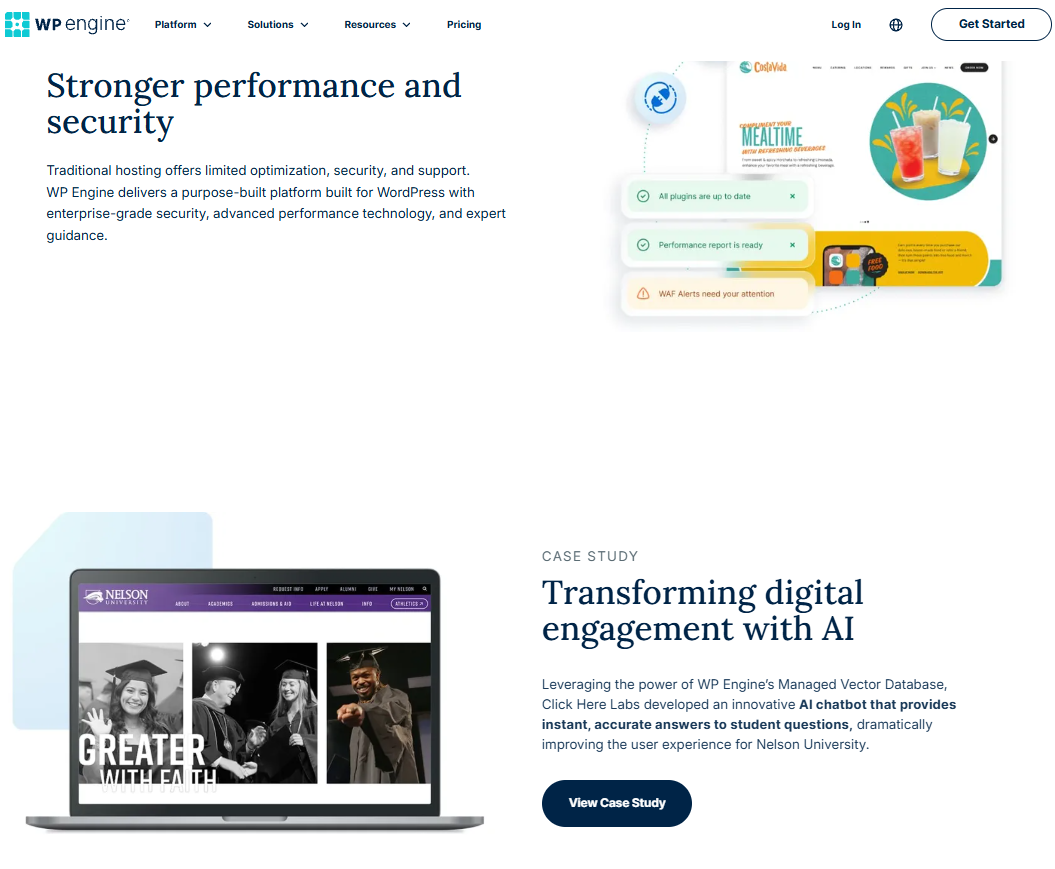
Edge WAF rules inspect incoming HTTP traffic before requests hit origin servers, blocking malicious bot signatures, SQL injection payloads, and cross-site scripting attempts.
Disabling legacy XML-RPC interfaces prevents automated botnet login attempts targeting xmlrpc.php endpoints:
<Files xmlrpc.php>
  Order Allow,Deny
  Deny from all
</Files>
Automated patch management scripts monitor active core files, automatically applying security hotfixes to mitigate zero-day vulnerabilities.
Two-factor authentication mandates protect WordPress user logins, while SSH key requirements secure command line server operations.
File Integrity Monitoring & Automated Malware Scanning
Maintaining strict file integrity monitoring alerts system administrators to unauthorized core file modifications, suspicious script injections, and backdoor creations. Automated scanners audit file checksums daily.
Core file verification compares active server files against official WordPress core checksums to detect file tampering immediately.
To verify WordPress core file integrity via command line, execute the WP-CLI core checksum verification command:
wp core verify-checksums
Automated security scanners isolate infected files, quarantine unauthorized PHP scripts, and send immediate alerts to security compliance teams.
Automated security scanning tools audit core file checksums daily, flagging unauthorized code modifications for immediate developer review.
Implementing strict multi-factor authentication mandates across all user roles insulates administrative dashboards against unauthorized credential stuffing attempts.
Reviewing active security logs and setting up automated IP whitelisting rules insulates server endpoints against persistent brute-force login attacks.
SOC 2 Type II Security Compliance & Corporate Accreditation
WP Engine maintains annual SOC 2 Type II compliance certifications and ISO 27001 security standards, auditing data privacy controls, server access logs, and disaster recovery protocols. External security audits verify enterprise data protection integrity.
Independent security auditors inspect physical data center security controls, employee access management policies, and encrypted backup vault procedures annually.
Achieving SOC 2 Type II certification confirms that security operations meet stringent enterprise data protection requirements for commercial web applications.
Enterprise plans feature custom security add-ons, dedicated vulnerability scanning, and tailored HIPAA/PCI compliance configuration options for enterprise clients.